
24 Nov Tech Writer’s Tribe 1st Impact Award


The TWT Impact Awards · Pune 2026
The first Impact Awards. Builders who showed their work.
On 21 November 2026, at the 6th Maharashtra Conference hosted at BMC Software in Pune, four community members took the stage for the AI Builders’ and Docs-as-Code Showcases. Each gave a lightning demo, three minutes live and two minutes on how it was built and what it saved, and each received a TWT Impact Award.

for the AI Builder demos
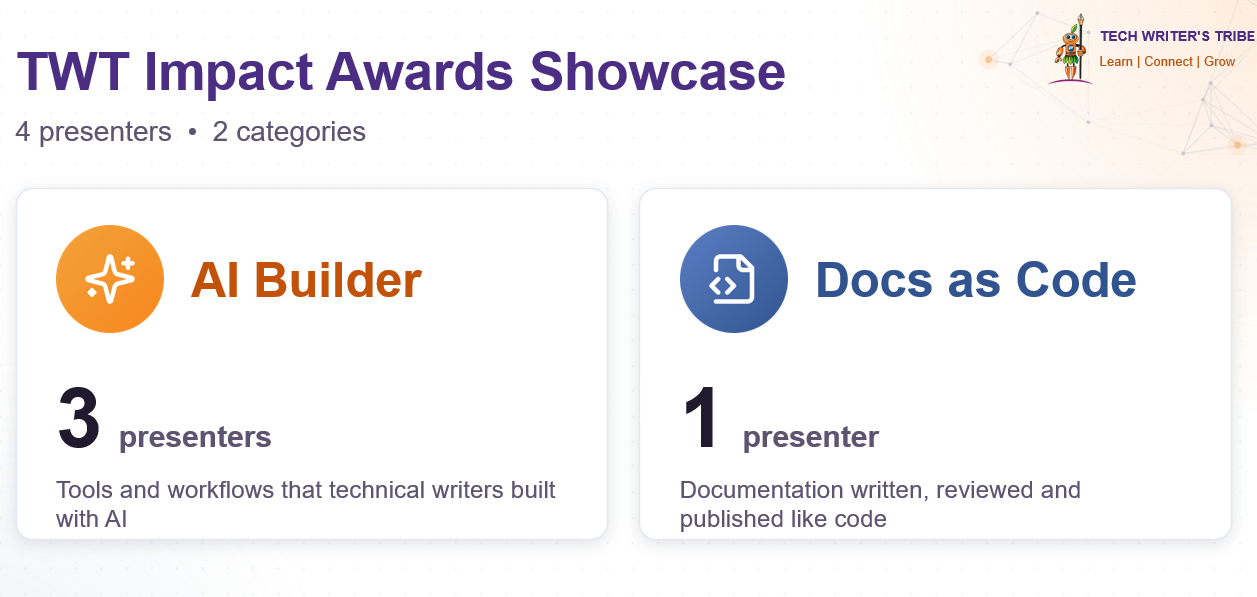
At a glance
Two showcases. One stage.

AI Builder
Three presenters showed tools and workflows that technical writers built with AI: Python applications, documentation dashboards, agents and reusable skills.
Docs as Code
One presenter showed documentation written, reviewed and published like code, and how any writer can start.
The winners
What they built, and what the room said.
After each AI Builder demo, we asked attendees what it made them want to try on Monday, to finish the sentence “I didn’t know technical writers could…”, and how inspiring it was. Their answers appear below, lightly edited for spelling and clarity.

Akash Jujam
TWT Impact Award winner, AI Builder
On Monday, attendees want to…
- Work on prompts to validate title case in our docs
- Build a Python application for DITA name changes
- Add more checks to my workflow
- Update the titles across the docs
- Think out of the box and create tools to simplify repetitive work. “Already created two tools, with scope to create more.”
- Use a consistent folder structure and file naming
- “It makes work simpler.”
“I didn’t know technical writers could…”
- do so much in so little time
- feed a ditamap to AI
- build applications for automation
- put in a dry-run step
- create a Python app
- develop Python apps using AI
Manasi Bhalerao
TWT Impact Award winner, AI Builder
On Monday, attendees want to…
- Set up a Kanban board for the doc team
- Build a documentation dashboard
- Create dashboards
- Get one-stop updates
- “Great demo, very useful for large teams.”
- “It’s very efficient.”
“I didn’t know technical writers could…”
- do this kind of work
- build a complete dashboard for managers and reviewers
- build a dashboard
- create such dashboards
- create a dashboard using Python scripting and AI
A thoughtful suggestion from the audience“It was great. This will take care of the first draft and the review. I presume this will be the editorial review. But in the DDLC, how are you taking care of the technical review? How are you keeping track of the review process at the QA and Dev end? I believe you can incorporate this into the DDLC dashboard.”


Shivani Waikar
TWT Impact Award winner, AI Builder
On Monday, attendees want to…
- Identify repetitive tasks that can be automated
- Build automation for docs
- Create my own agent
- Create skills that can be used for docs
- Build a reusable skill in a .yaml file to create concept, task and what’s-new topics
- Update docs faster
- “Looks very promising.”
“I didn’t know technical writers could…”
- do this kind of work
- create the skills.md
- create their own agent
- do this without a dev background
- work with AsciiDoc files and a few other tools and file types
- use Claude
Riffat Wyne
Documentation Manager, Getinge

What the audience took away
Three threads we kept hearing.
Automate the repetitive
Title checks, file naming, name changes and doc updates came up again and again as the first things to hand over to a script, an agent or a skill.
“Create tools to simplify repetitive work.”
One view for managers and reviewers
The documentation dashboard showed attendees what a single place for status and updates can do for large teams, and sparked questions about tracking technical review too.
“Very useful for large teams.”
Technical writers can build
Python apps, dashboards, agents and reusable skills: attendees saw these as within reach for writers, with no dev background required.
“Develop Python apps using AI.”
Average inspiration rating across the three AI Builder demos, on a scale from 1 (not at all) to 5 (very inspiring).
Be part of the next stage
Your work deserves an audience.
Watch the recordings, borrow the ideas and see what the Pune conference was about.
Tech Writer’s Tribe · Building a community that creates, shares and grows.
Showcase at the 6th Maharashtra Conference · Pune · 21 November 2026
No Comments