
23 Aug Publish your website with Docusaurus


Get Inspired: View Websites Created by Our Participants
Capstone Project
by Anubhav Chaudhary
Capstone Project
by Anumita Roy
Capstone Project
by Gauri Godbole
Capstone Project
by Kaustav Das
Capstone Project
by Mrunalini Kelshiker
Capstone Project
by Murali Kathirmani
Capstone Project
by Pankaja Kulabkar
Capstone Project
by Pavan K Nimmakayala
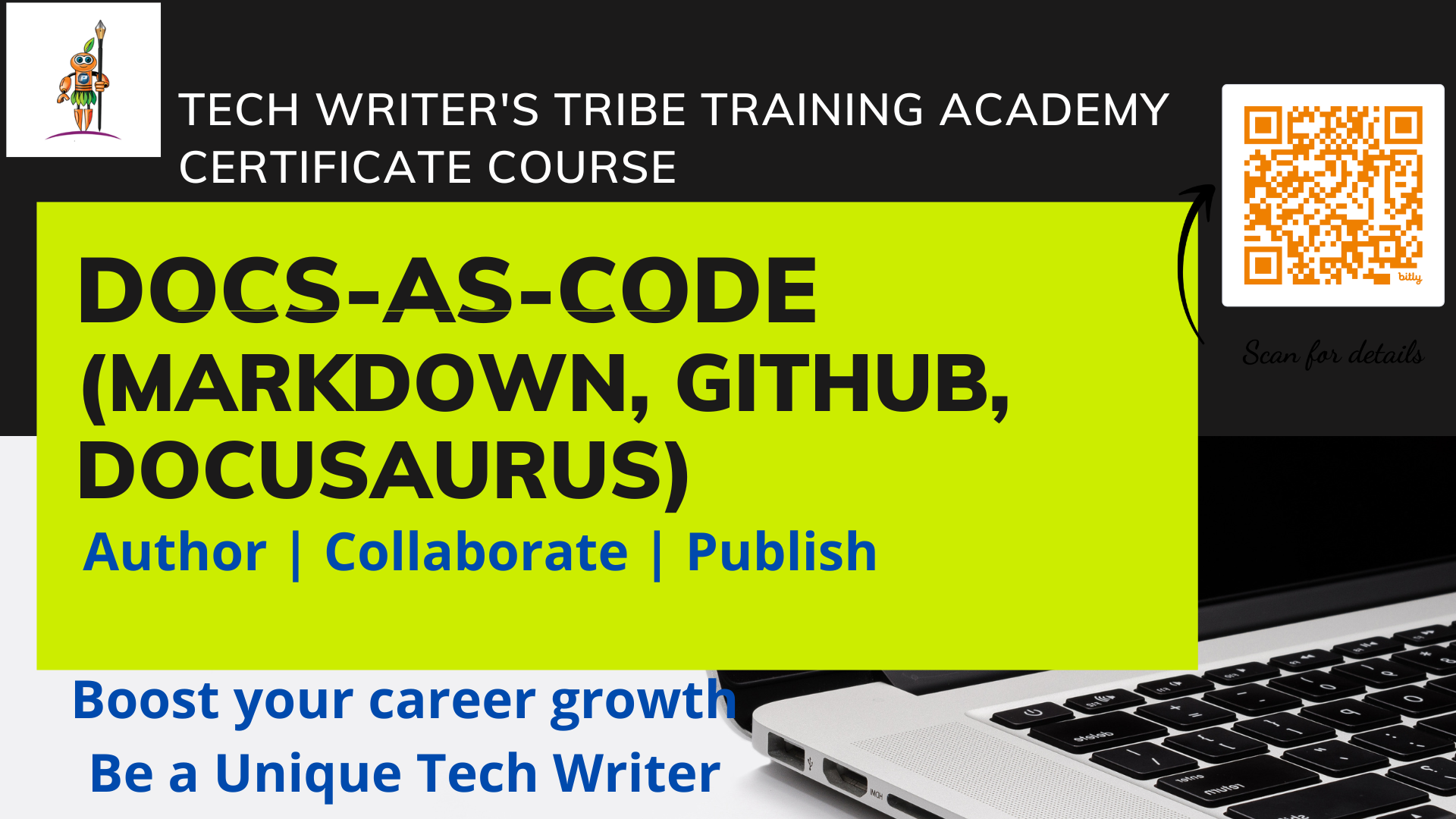
Docs-as-Code with Docusaurus
Author. Collaborate. Automate. Publish.
A hands-on course for technical writers moving from traditional authoring tools to a modern, Git-based documentation workflow — from your first Markdown file to automated publishing.
Not a Docusaurus tutorial — a full workflow
This is a hands-on Docs-as-Code implementation course. You don't need to be a developer — it starts from the fundamentals and takes you all the way to an automated documentation pipeline.
What you'll learn
Markdown & VS Code
Author structured documentation, organize files, and preview content directly in VS Code.
Git & GitHub
Repositories, commits, branches, Pull Requests, review, and merge workflows.
Docusaurus
Turn Markdown into a professional documentation site — navigation, sidebars, config, local builds.
Team Workflow
Feature branches, Pull Requests, reviews, and collaborative documentation changes.
GitHub Actions
Automate builds, validate changes, and bring CI into your documentation process.
Automated Publishing
Ship your site automatically to GitHub Pages once changes are approved and merged.
Four weekend sessions
Foundations
- Docs-as-Code fundamentals
- Traditional docs vs Docs-as-Code
- Git & GitHub basics
- Create & configure a repository
Authoring
- Markdown fundamentals
- VS Code for technical writers
- Build a small documentation set
- Git workflow practice
Docusaurus
- Node.js & Docusaurus setup
- Project structure, navbar, sidebar
- Author real documentation
- Run & test the site locally
Automation
- Pull Requests & review workflow
- GitHub Actions & CI
- Automated GitHub Pages publishing
- Certification capstone project
Each session runs 2.5 hours. Participation in activities during the sessions is mandatory.
Practical capstone, not just a quiz
Publish a Public Documentation Website
Take a troubleshooting topic through the complete Docs-as-Code lifecycle — from a feature branch to a live, published page.
Create a branch > author in Markdown > add to sidebar > build & test locally > push & open a PR > pass the automated build check > review, merge, and verify deployment on the live site.
Built for writers, not developers
Technical Writers
Move from traditional tools to a modern documentation workflow.
Documentation Teams
Bring Git-based collaboration and automated publishing to your team.
Content Professionals
Build practical skills in Markdown, Git, and documentation automation.
Prerequisite: Basic technical writing knowledge. No programming experience required.
Shrivastava
Punit Shrivastava
Technical documentation leader, trainer, and founder of Tech Writer's Tribe. Brings extensive experience in technical documentation, documentation project management, and modern documentation practices.
Course fee
Early Bird
Regular Fee
Single Weekend
Fee includes live sessions, hands-on exercises, course resources, and the certification capstone.
Common questions
Do I need programming experience?
No. The course is designed for technical writers and documentation professionals — you don't need to be a developer.
Do I need to know Git?
No. Git and GitHub are introduced from the fundamentals and practiced throughout the course.
Will I build a real documentation website?
Yes. You'll create a Docusaurus site, author documentation, configure navigation, build it, and publish it via GitHub Pages.
Is there a certification?
Yes — a practical capstone demonstrating the complete Docs-as-Code workflow, not just a quiz.
Is this self-paced?
No. This is a live, hands-on course delivered across four weekend sessions.
Ready to build your Docs-as-Code workflow?
Oct 24-25 & Oct 31-Nov 1 · 10 hours · Live Online
Register for the Course
Sorry, the comment form is closed at this time.